Never set up an IPTV service before? No problem. This guide walks you through the whole process — from choosing your app to watching your first channel — on any device you own.
Smart TV, Android, iPhone, Fire TV, PC — pick your device below and follow the steps. Most people are done in under five minutes.
Recommended apps: VLC Media Player, Web-based player
💡 Tip: VLC works on both Windows and Mac and is completely free to download.
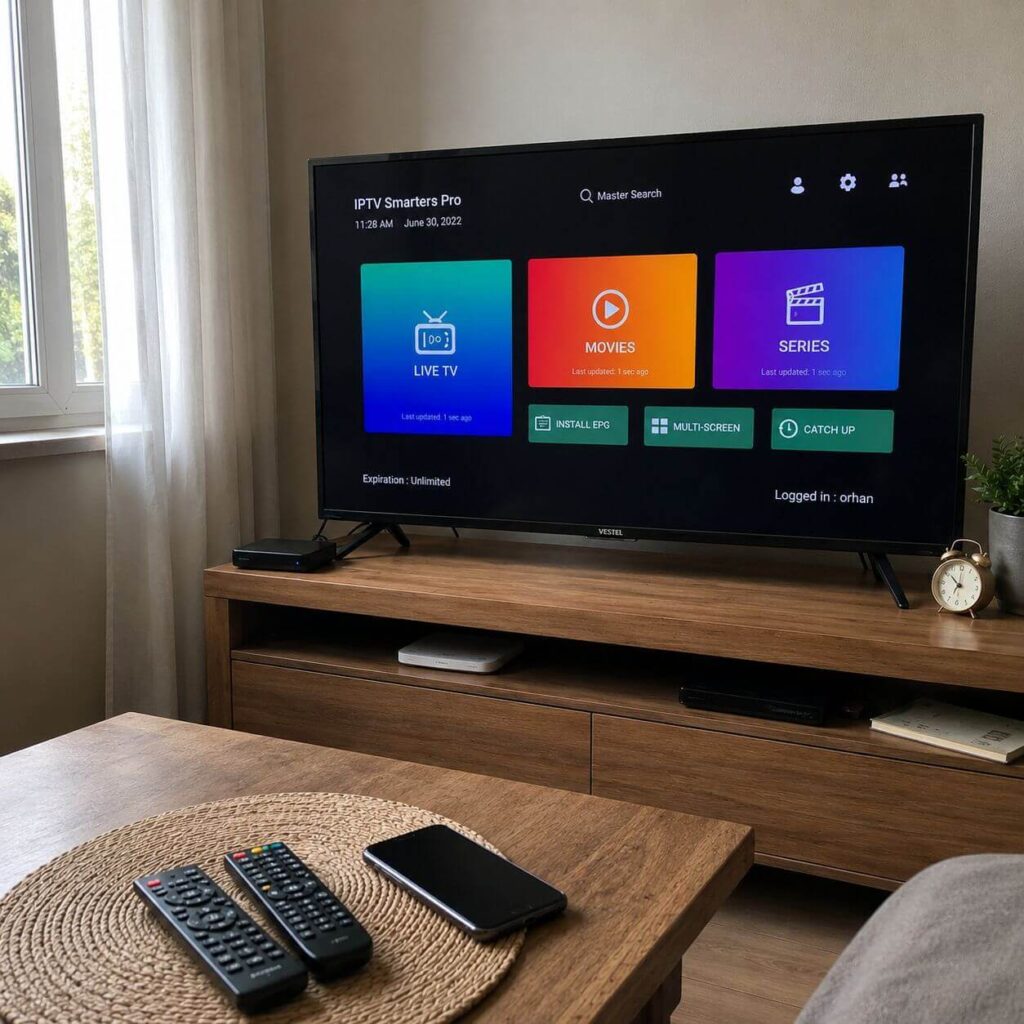
Recommended apps: Smart IPTV (SIPTV), IPTV Smarters, TiviMate (Android TV)
💡 Tip: If your Smart TV runs Android TV, TiviMate gives the cleanest viewing experience.
Recommended apps: GSE Smart IPTV, Tivimite, Ibo Player Pro, Smart One IPTV
💡 Tip: IPTV Smarters is free and handles large channel lists smoothly on iOS.
Recommended apps: IPTV Smarters, XCIPTV, TiviMate
💡 Tip: TiviMate is the most popular choice among Android users for its clean interface and EPG support.
💡 Tip: The MAC address is printed on a sticker on the bottom of your MAG box.
Recommended apps: IPTV Smarters, TiviMate
💡 Tip: Connect your Android box via ethernet cable for the most stable streaming experience.
Recommended apps: IPTV Smarters Player, iPlayTV, Ibo Player Pro
💡 Tip: iPlayTV is specifically designed for Apple TV and offers a smooth, native experience.
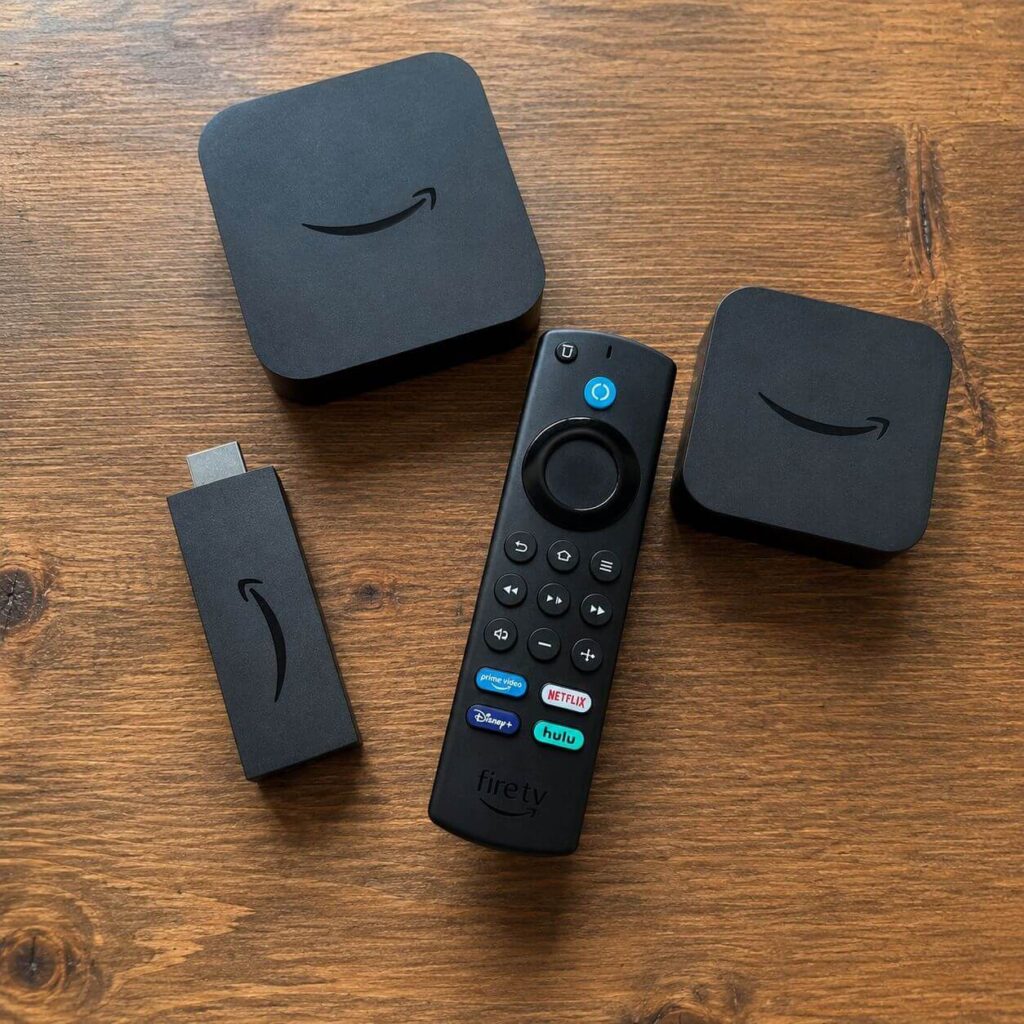
Recommended apps: IPTV Smarters, TiviMate,Flix IPTV
💡 Tip: Enable “Apps from Unknown Sources” in your Fire Stick settings if your preferred app isn’t in the store.